Last week was hilariously busy.
On Sunday I was planning to write something reasonably detailed about the week that had just passed. The problem was that Sunday eventually turned into “still working on things from the week that just passed”, so I never really got there.
I have therefore decided to do what every responsible developer does when the documentation backlog becomes too large: make the documentation shorter. This is roughly what happened.
It started with a terrible Laravel idea
ToolsAPI was still running Laravel 8, which had been out of security support for quite some time. The sensible upgrade advice is to move through the major versions one at a time, dealing with package compatibility, framework changes, middleware, routing, PHPUnit and whatever else Laravel decided to move around between releases.
So naturally I upgraded directly from Laravel 8 to Laravel 13 because I didn’t care about the warnings. Instead, I trusted Copilot, I had very little time, and apparently this is how decisions are made now. It went almost well. At late evening, at 22, I was acutally passing thought last hell of caches. After that point it actually worked surprisingly well. Yes, production found some ancient cached Laravel state and briefly reminded me that software can remember things long after everyone involved would prefer it didn’t. But if just drop that little issue, everything was up again. Leaving copilot alone for 16 hours with destructive methods isn’t a very clever idea, so that was the first ruleset I had to add: DO NOT RUN DESTRUCTIVE CALLS IN PRODUCTION!
Because I did it in production…
What really happened
ToolsAPI – Laravel 13
The whole platform moved from Laravel 8 to Laravel 13, old compatibility baggage was removed, dependencies were modernized and Laravel Mix was replaced with Webpack 5. Production celebrated by throwing HTTP 500 errors because stale cache survived the upgrade, so deployment checks and cache handling were subsequently taught some manners.
GitHub Actions – “But did it actually work?”
The development flow became much more aggressively issue -> branch -> code -> test -> PR -> CI -> fix what exploded -> merge. Several integrations now perform real provider checks instead of receiving a participation trophy because a mock returned 200 OK. Problem is that I got some dumb integrity checks inside that system that practically ate my budget.
Error reporting – Fail loudly, please
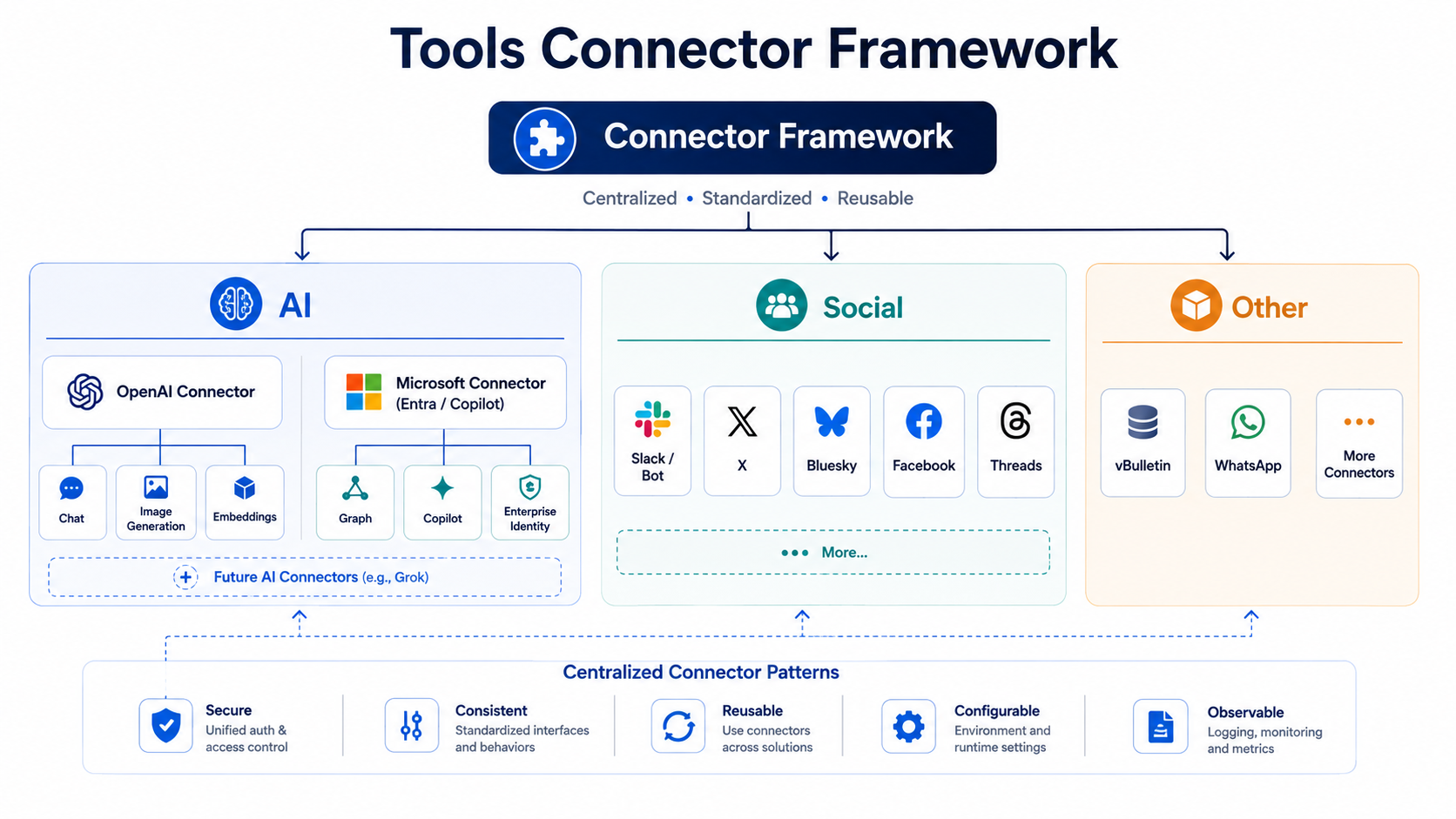
Browser errors, API failures, workers, schedulers and other operational disasters can now report directly to #toolsapi, independently of ordinary audit settings. This has already proven useful because apparently software defects become much easier to fix once they stop hiding. Slack and massive Codex integrations really works nice! All errors are shown quickly and ChatGPT can read from those errors and fix them instantly!
Slack AI Bot – It has escaped into Slack
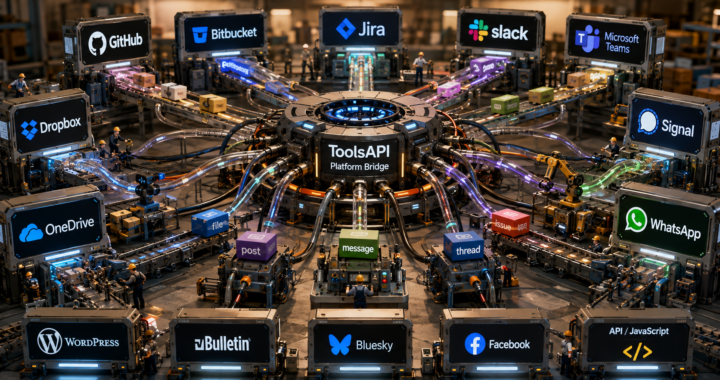
The Slack bot learned DMs, mentions, active thread continuation, images, multiple workspaces and a polling fallback for situations where Slack Events decides not to be particularly eventful. Public distribution also forced the polling logic to become considerably less enthusiastic about calling Slack’s API every ten seconds.
This wasn’t really planned, but since I was curious on other things, this is where I ended up.
Alert Engine – Scheduling things without creating a time paradox
A shared Alert Engine now handles recurring monitoring, runs, results, deduplication, notifications and history instead of every service inventing its own cron-shaped wheel. Real scheduler traffic immediately found stuck runs and overlaps, so locking, stale-run recovery and overlap protection were added before the scheduler could successfully fight itself.
Web Search Alerts – Google Alerts after drinking OpenAI
Web Search Alerts became considerably more serious: real OpenAI web search, source recovery, verification, deduplication, notifications, run history and better diagnostics. It also learned how to survive malformed output, incomplete provider responses and HTTP 403 results, because the Internet remains committed to being the Internet.
Job Search – Teaching AI what I don’t want
Job Search gained live progress, better search diagnostics, Alert Engine integration and profile-specific negative keywords. AI may suggest that “truck driver” is perhaps not the ideal result for a developer profile, but it still has to ask permission before permanently learning from its mistake.
Whisper – Please transcribe this somewhere else
Whisper gained multi-file uploads, better transfer progress, transcript-based titles and the ability to run speaker diarization after transcription. More importantly, transcription can now be handed to remote CPU/GPU workers using leases, heartbeats, progress reporting and capability negotiation, allowing the web server to concentrate on its traditional responsibility of having entirely different problems.
With that said, this is IF you have a GPU to run with. I really don’t. Besides, I’m trying to run with Diarization again.
Guestbook – Somehow this became a platform
What started as “let’s preserve some old guestbook data” turned into multiple owned guestbooks, imports, APIs, embeds, moderation and external client support. Public DNSBL badges were replaced with country flags, because publicly branding every visitor with internal abuse metadata turned out to be slightly more information than a guestbook actually needs.
WordPress – Tools has plugins now
The WordPress integration grew into a real Tools client with Guestbook support, direct Tools account pairing, DNSBL credential handling and proper Plugin Check coverage. The separate DNSBL plugin also started moving deeper into WooCommerce and fraud/event handling, because apparently DNS blacklists also needed a career change.
Security Advisory Watch – Because upgrading Laravel wasn’t enough security work
Products and technologies can now be monitored for advisories, CVEs and related security changes using the same search and notification foundations. It also gained dedicated GUI and regression coverage after discovering the classic enterprise security vulnerability known as “the form looks like shit”.
Security Probe Guard – The guard dog bit the owner
Automatic exploit-probe detection and temporary bans were added. Then an automatic ban managed to lock out the operator, which led to recovery routes, fail-open handling for old automatic bans and the revolutionary security concept of “maybe don’t automatically ban the administrator”.
SoundCloud – Zero is also a number
SoundCloud received OAuth reauthorization, chart fixes and several profile-insight repairs after real data demonstrated that a confidence value of 0 is perfectly valid and does not necessarily mean “the application should crash now”. This is why production data gets a vote.
SocialGPT / Facebook – Controlled chaos laboratory
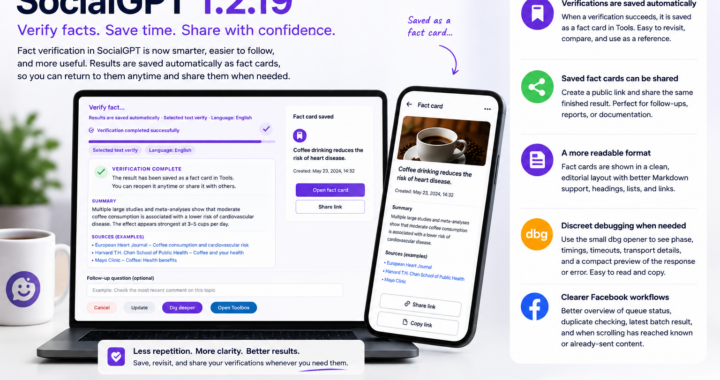
SocialGPT gained for a long time ago a sidepanel instead of popup based requests. We haven’t realeased this extension for a while, so nobody knows about this yet.
Services – We have enough of them to need categories
/services was reorganized into actual categories because the previous architecture was rapidly approaching “here is a large wall of links, good luck”. A green forum-inspired theme called “Jessica” also appeared during all this, because clearly visual consistency was the urgent missing ingredient.

What is happening now?
Android Tools – SocialGPT leaves the browser
The Android app is gaining proper context capture, AI context cleanup, full context review, privacy-safe statistics, push notifications and the required Android/Google Play consent flows. The current objective appears to be turning “select some text and ask Tools” into “Tools is just there when I need it”, without turning the phone into spyware in the process.
Web Search Alerts – Apparently not finished being useful
Results are getting source exclusions, rejected-result inspection and restoration, searchable delegation, ownership transfers, location context and better source recovery through the shared SearchFactory. What used to be “search for this occasionally” is steadily becoming a small monitoring system with opinions.
Guestbook – Still refusing to remain a guestbook
Embed routing has been repaired after web servers managed to return a 404 status together with perfectly valid JavaScript, which is an impressively confusing achievement. Autosaved settings, ownership transfer, notifications, better pagination and visible service versioning are also being added around it.
Statuspage – Yes, another platform
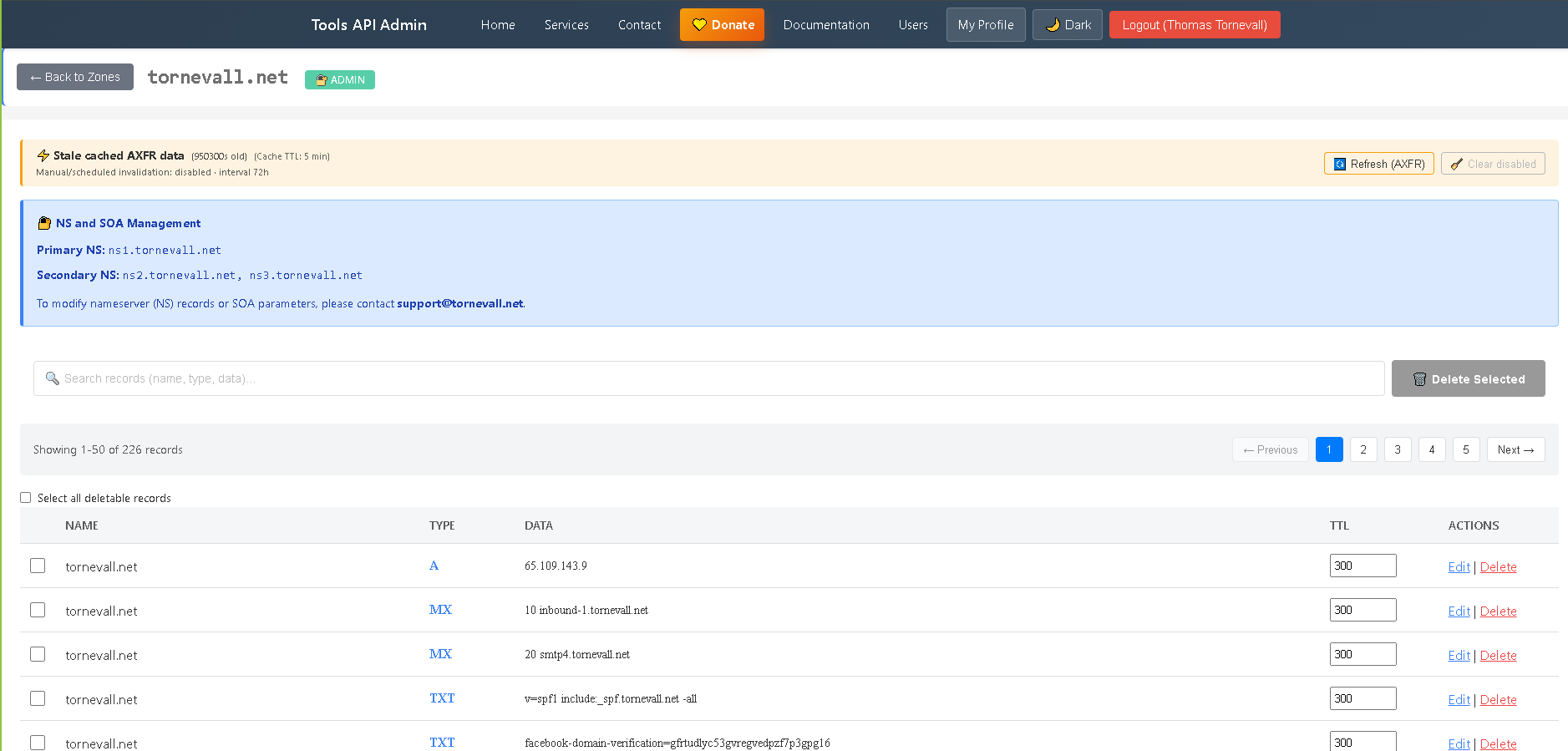
Tools is getting its own proper Statuspage foundation with public status pages, components, incidents, owner management, administration and a public read API. The WordPress integration is already growing a Statuspage block, because displaying whether Tools is broken should ideally continue working even when Tools is broken.
Votech – BBVote’s successor is waking up
Votech now has its proper architecture and dedicated database/model foundation, with the old BBVote data treated as historical input rather than something we should continue poking with sticks. The GUI, voting flows, administration and integrations come next. And no, the API will not suddenly grow /v1/, /v2/ and seventeen generations of archaeological sediment.
We have an election running in a few weeks. I was thinking of making a BBVote clone – PoliticalVote. Or something like that.
SocialGPT – Again – Context, but only after consent
A consent-gated context-analysis endpoint is being built so SocialGPT can correlate page content, selected text and bounded browser observations without silently shipping everything it sees somewhere else. The extension is simultaneously learning more generic DOM/XHR correlation, which sounds innocent until you remember what modern websites look like internally.
AI accounting / Ko-fi – Computers have discovered money
AI usage accounting is being connected to users, providers, token consumption and eventually prepaid credit. Ko-fi is part of the payment direction, because once AI starts consuming measurable amounts of money it becomes surprisingly important to know whose money it is consuming.
The reason for why I do this is actually, if I release an android app into Google Play Store, I don’t want to pay for other peoples AI usage. So this is going to get real. And I probably need to register myself as a firm or something very soon now.
Tools versioning – The footer now knows what it is
The main Tools platform is finally getting an explicit semantic version that everybody can see, while administrators still get the extra Laravel/PHP diagnostic information. Considering how much changed before the platform got a visible 1.0.0, this is possibly the most backwards software-release story in the entire list.
Image generation and file storage
This is also a concept that I’m working with right now. Image generation should be a platform-global feature, to make sure BBVote/Votech and other stuff can get hold of a very nice AI feature. Also storing those files somewhere, is a plan for which Filestorage could be perfect.
… and possibly some MCP services. Who knows?
This is a very short list actually. The more I think, the more crap I produce and I throw it at tools. If you have any suggestions, please feel free to contact med. The platform already features a lot more than I just presented, since this is only the NEW stuff coming up. Oh, did I mention a suggestion box? That’s also in the agenda…